BookNotion's big update: paper books, manga, the web and X in one library
Updated
Until now, BookNotion collected the passages you highlighted in Kindle so you could look back on them and send them to Notion. With a big update in November 2026, paper books, manga, web articles and X posts go into the same library.
| Before | After the update | |
|---|---|---|
| What you can keep | Passages you highlighted in Kindle | Also paper books, Kindle books you can't highlight, manga, web articles and X posts |
| Paper books | On the Z plan, upload a photo on the web, read the text and fix it by hand | On iPhone and iPad, just trace the passage with your finger (Page Scan) |
| Web articles | Save from the iPhone share sheet | Select text and save with the BookNotion Web Marker Safari extension |
| X | Share and save posts one at a time | Bookmarked posts are imported once a day (Z plan) |
| From Notion to Kindle | Open the book in Kindle and find the page yourself | Open in Kindle opens that page in the Kindle app on your computer |

The screens below are from the Japanese version of the app.
Paper books: Page Scan
A feature of the iPhone and iPad app. One tap from the Lock Screen or Control Center opens the camera. Trace the passage with your finger and it's saved. Vertical text works too.
- Add a page number, a note and tags
- On the Z plan, it goes into the same Notion highlights database as your Kindle highlights
- Without the Z plan, up to 5 a month (resets on the 1st; the count is shared between the web and the app)
Kindle books you can't highlight, and manga
Books whose publisher blocks highlighting, and manga made of images, never appear in Amazon's Notes & Highlights, so they couldn't be imported.
Now, take a screenshot in the Kindle app and share it to BookNotion. Page Scan opens: trace the text for books, or pick a panel or the whole page for manga. Left: a Kindle book you can't highlight. Right: Kindle manga. Like Page Scan, up to 5 a month without the Z plan.
Web articles: BookNotion Web Marker
Select text in an article and save it, in Safari on iPhone and iPad. Reopen the page and your highlights are back where you left them. The Safari extension comes with the BookNotion app.
- Saved passages sit in the Web tab of the same library as your book highlights
- Up to 5 a month without the Z plan; no limit on the Z plan
- A Chrome version for computers is in the works
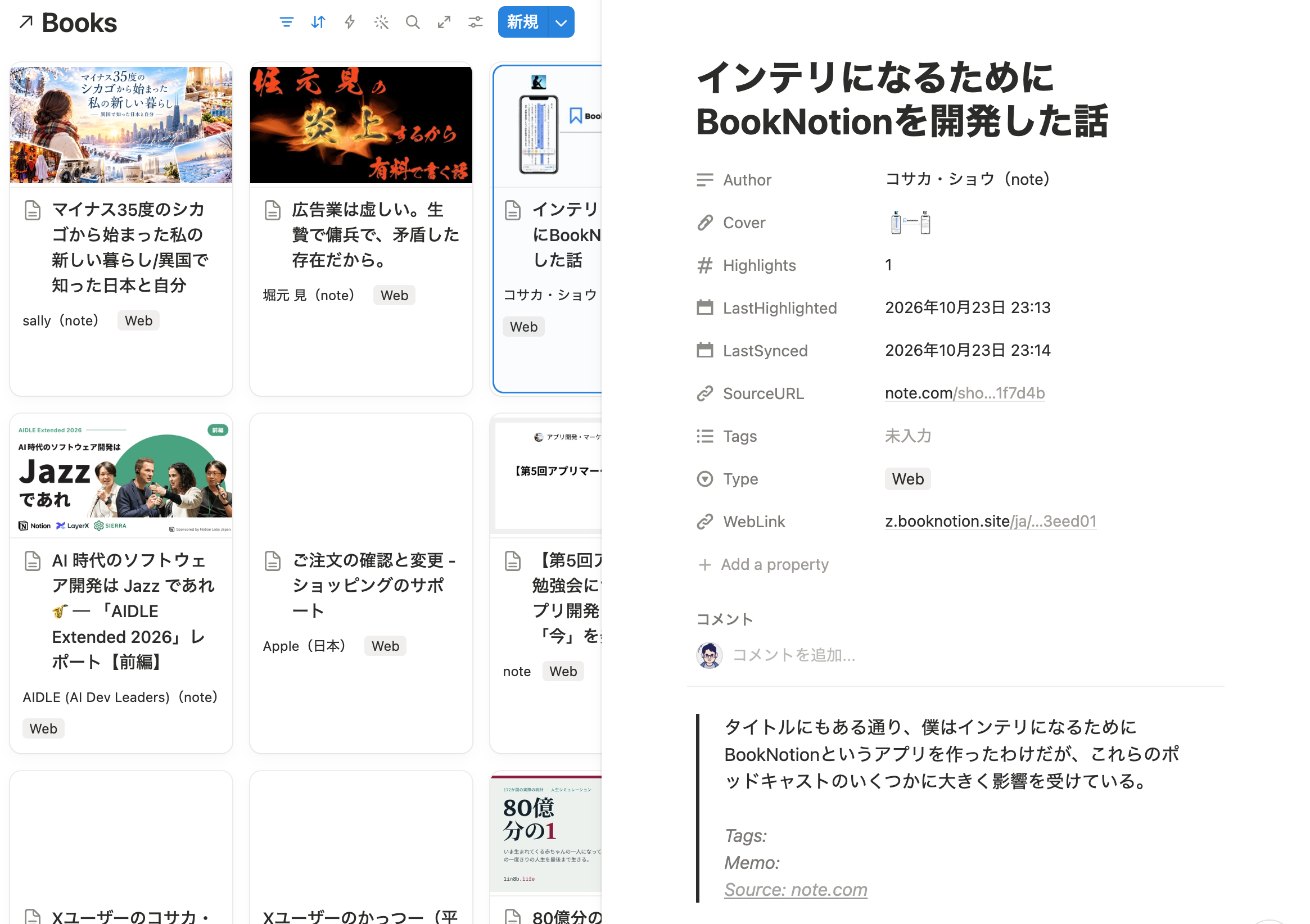
X: just bookmark

Connect X in the app's settings and your bookmarked posts are imported into your library once a day. Just bookmark as usual. Imported posts appear in the X tab of your library. This is a Z plan feature.
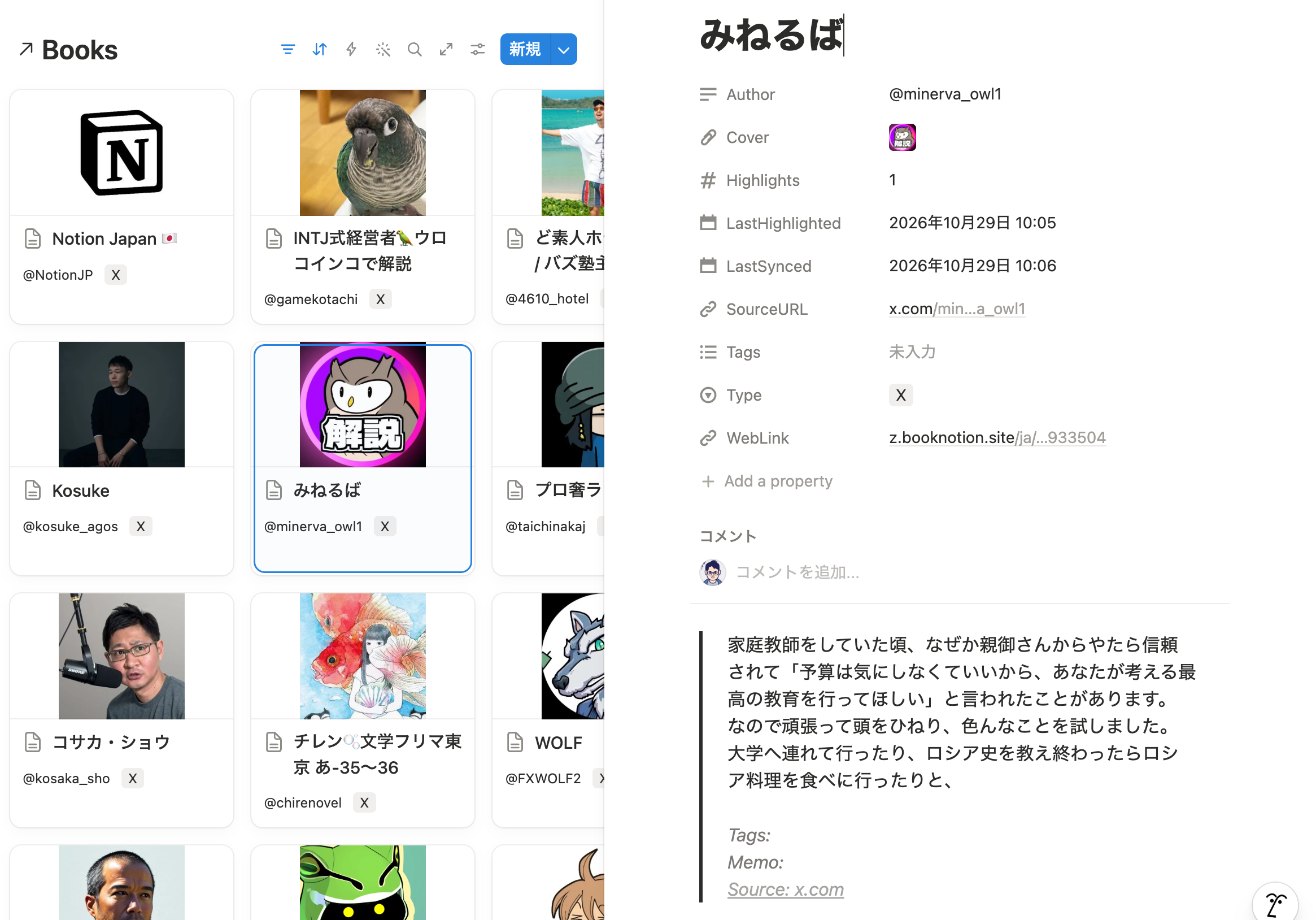
From Notion to that page in Kindle (Kindle Opener)
Click Open in Kindle on a highlight in Notion or BookNotion, and the Kindle app on your computer opens that book at that page. No more hunting for the page when you want to reread the context.
Works on Mac and on Windows (the Kindle app from the Microsoft Store). Download BookNotion Kindle Opener
How it looks in Notion
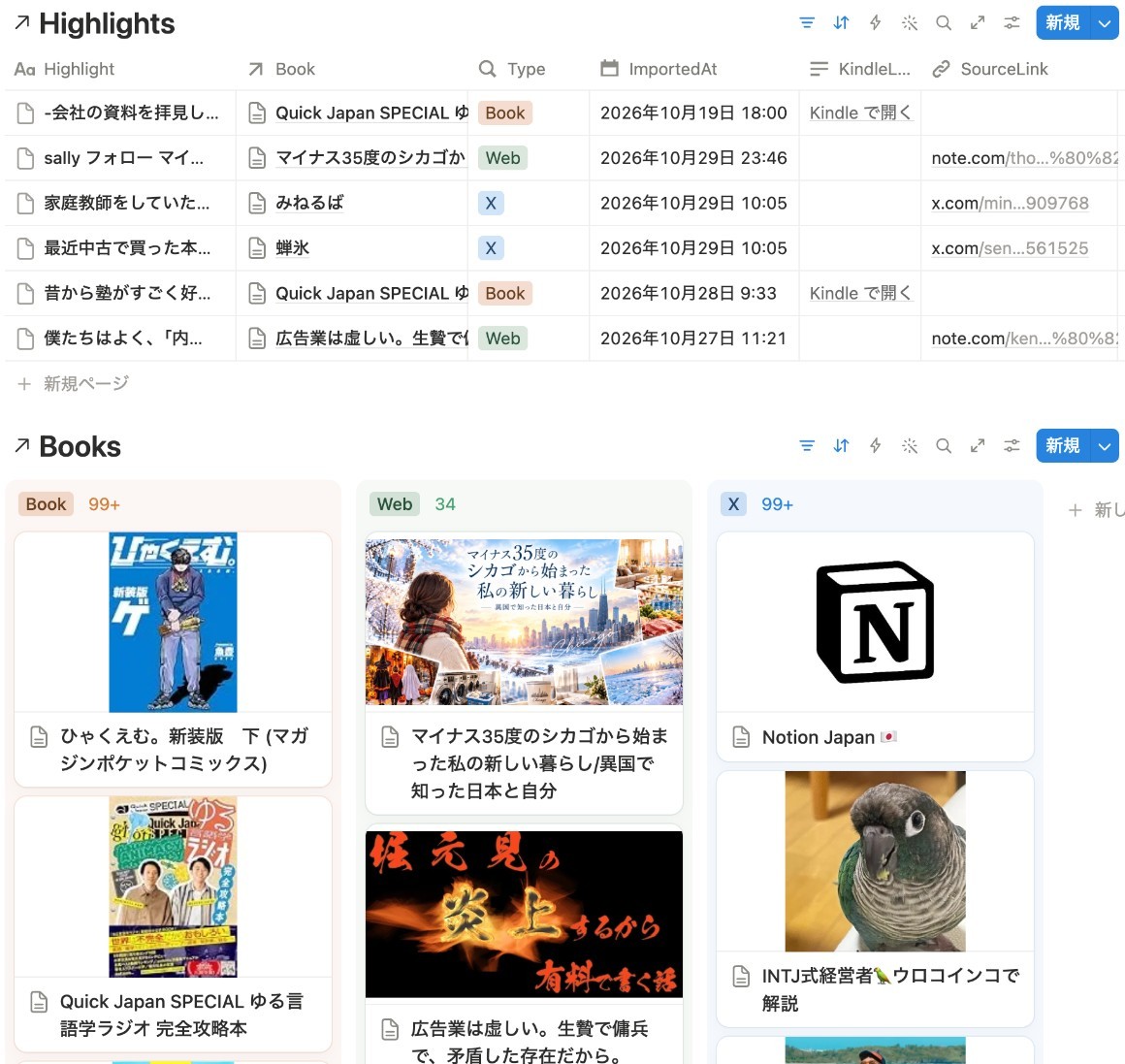
BookNotion exports two databases to Notion: one for books and one for highlights (Z plan). They're regular Notion databases, so you can show them any way you like with Notion views such as gallery and board.
Pricing
- Free: importing and reading Kindle highlights and the monthly reminder email, plus Page Scan and web highlights, each up to 5 a month
- Z plan ($7.99/month or $79.99/year, 7-day free trial): no limits. Exporting to Notion and importing X bookmarks are Z plan features
- Prices haven't changed
Get started
On iPhone and iPad, get the BookNotion app from the App Store and start without signing up. On a computer, sign up on the web and add the Chrome extension to import your Kindle highlights every hour.
Start free on the web →
Already using BookNotion? Update to the latest version on the App Store.