
How to address the issue of Kindle authors' names being hidden
Updated
On the Kindle, when you try to share a highlight, the author's name is usually displayed, but sometimes it is not.
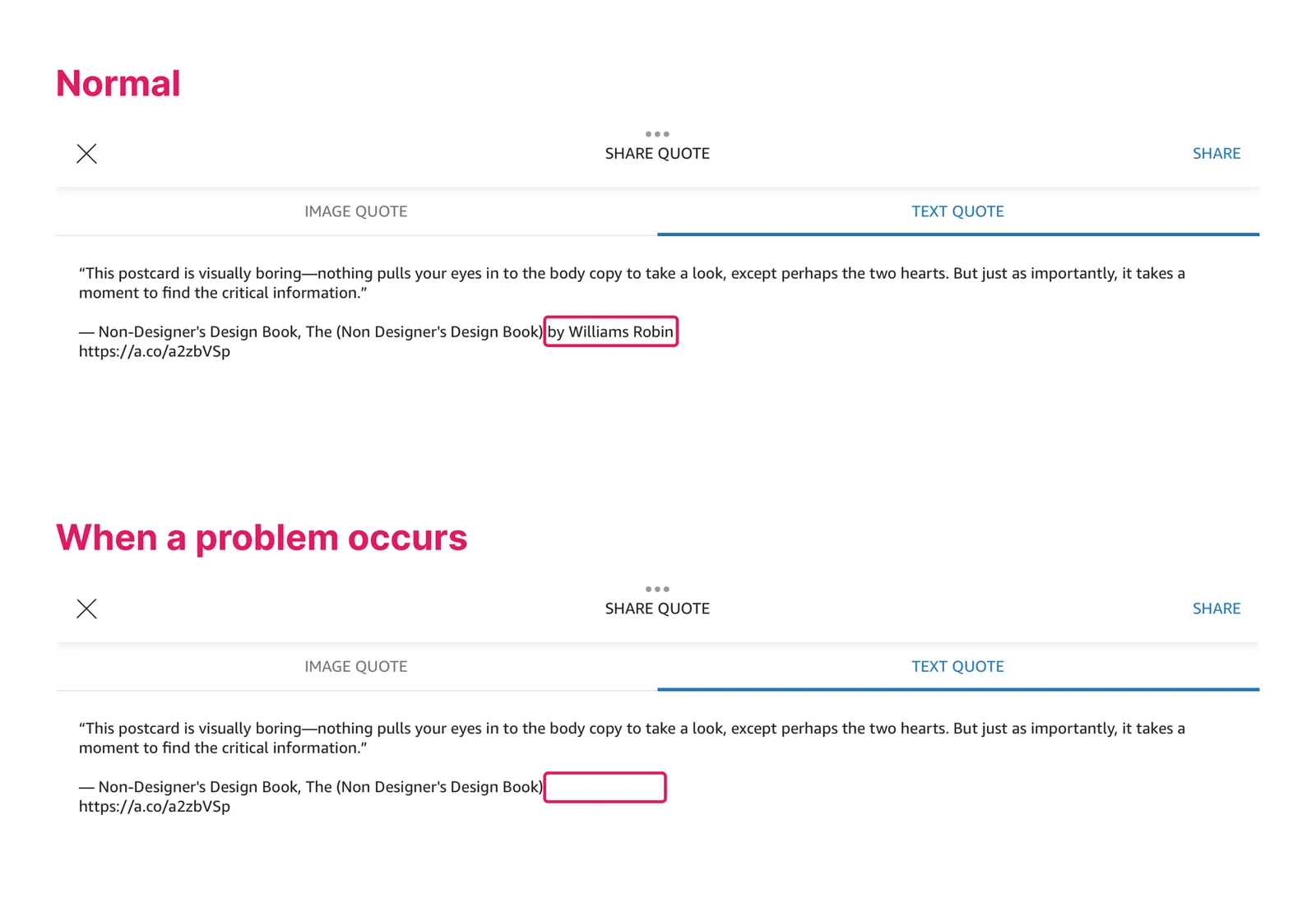
This is due to a problem with the Kindle, not BookNotion.
Follow the steps below to sign out of your Kindle once and sign back in.
-
Open the Kindle App
-
Tap "Others" at the bottom of the application
-
Tap "Settings.”
-
Tap "Sign Out.”
-
Tap "Sign Out" again.