How to check error messages (change database)
Updated
If you experience problems with database changes, please follow the steps below to verify the error message and send the error message to the developer.
1. Reproduce error
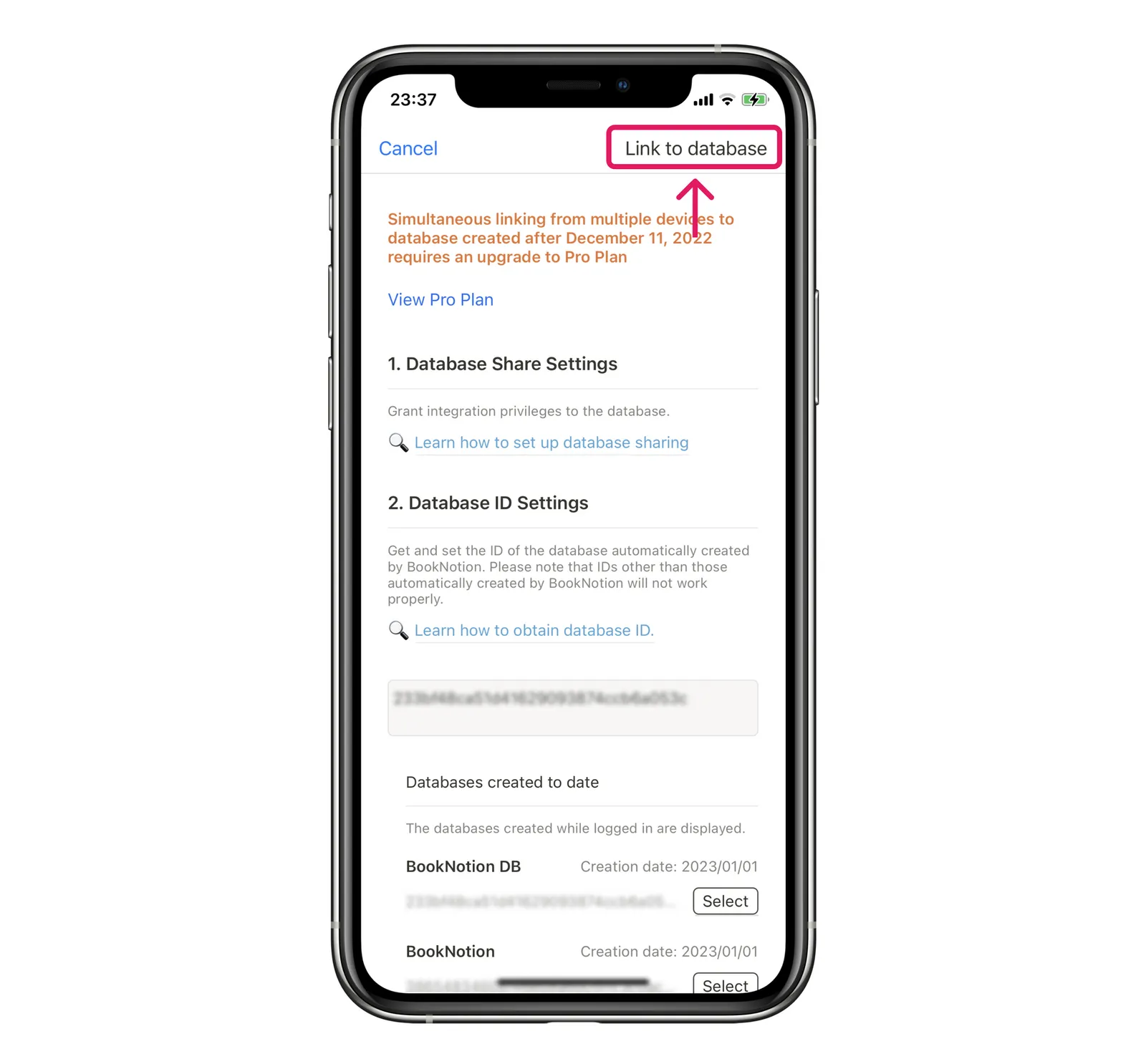
First, try to change the database by tapping "Change Database".
At this point, you may get no response or an error message, but don't worry about it and proceed.
⚠️ The error message you are about to review will show the most recent error, so be sure to perform this step of "Dare to Error"!
2. Check and copy error messages
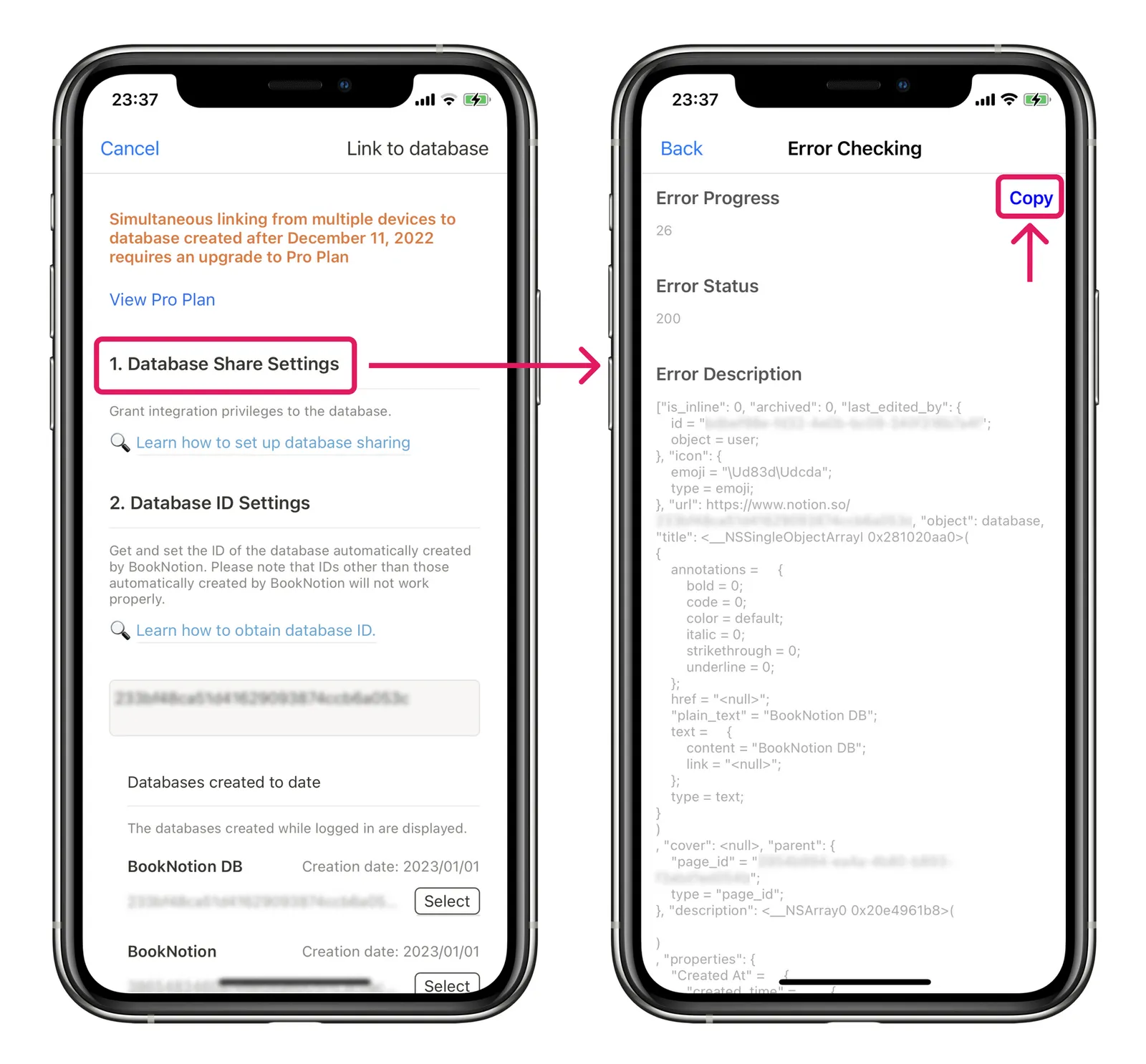
On the Change Database screen, tap "Database Share Settings" to go to the Error Check screen.
Here, tap "Copy" to copy the error message in its entirety and paste it into an inquiry to the developer or into a reply e-mail.